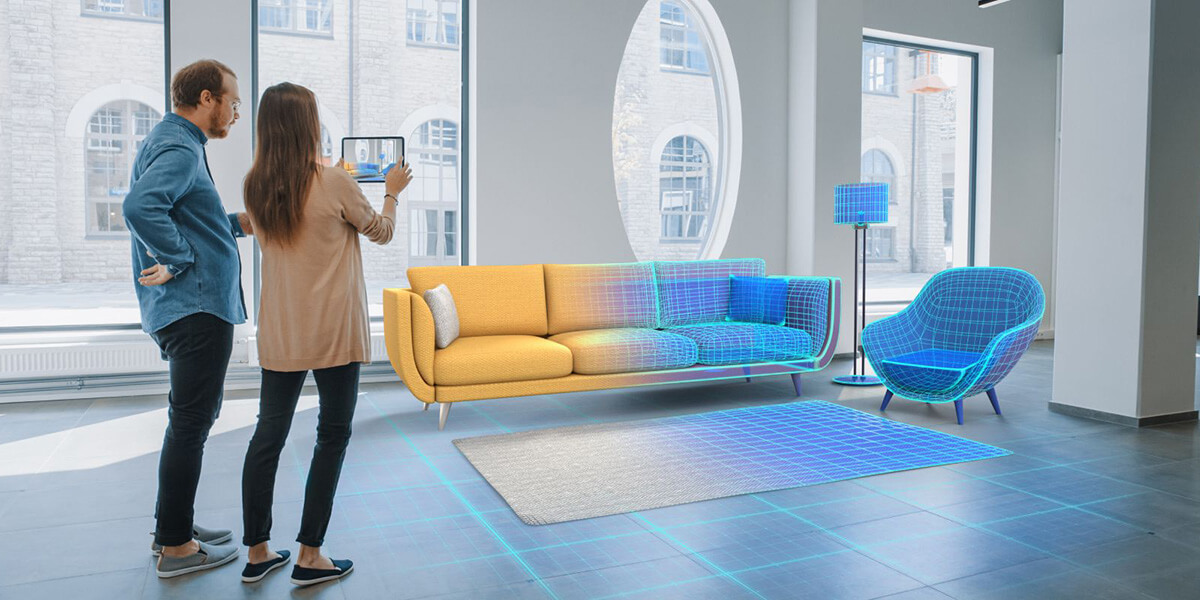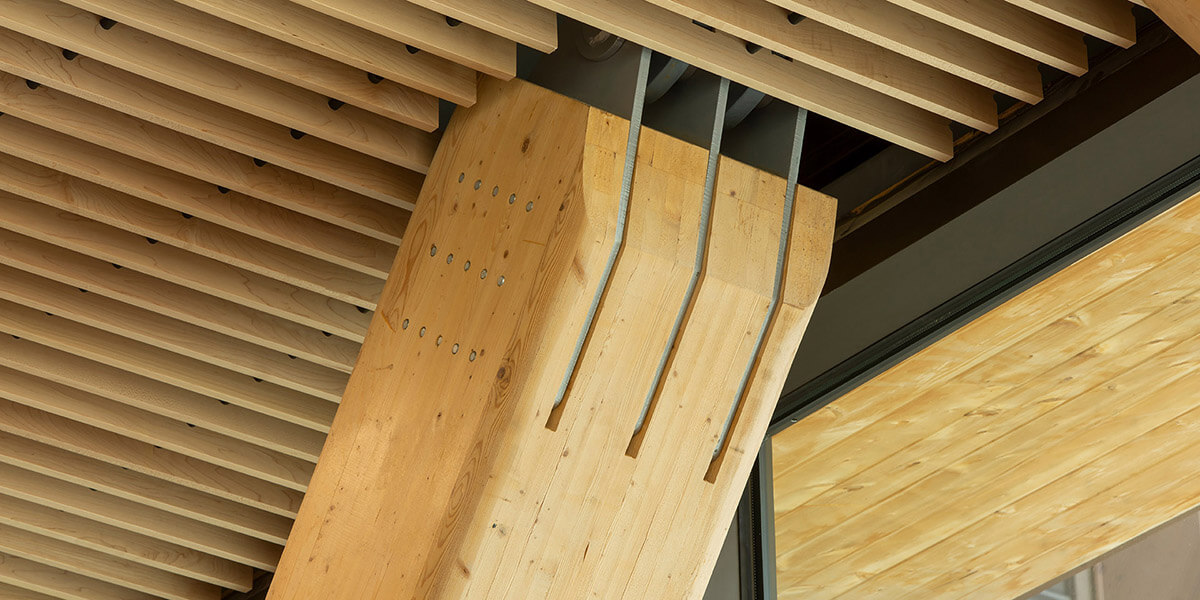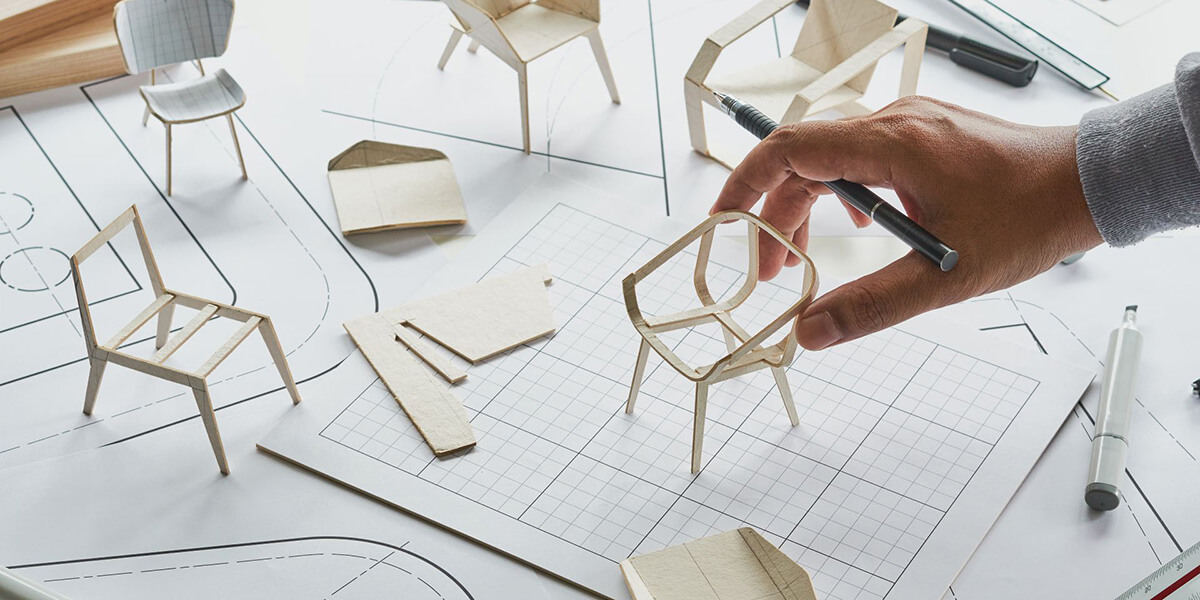
3D Design software for wooden products is an essential tool for making many of these artifacts better. Carpentry, like any other art and skill, begins with a design. Blueprints provide a blueprint that carpenters use to build various objects out of wood. Design is very important in any field of woodworking such as cabinet making.

Now with the advancement of technology, the use of design software, especially 3D design like AutoCAD, has become a trend and sometimes even a requirement. For this reason, in this article, we intend to have a brief and useful overview of some 3D design software for wooden products (other than AutoCAD) that are popular and highly efficient.
1. SketchUp
We place SketchUp at the top of the introduction list of 3D design software for wooden products. Because there are few software whose popularity in 3D design is as much as SketchUp. The reason for this popularity is largely related to the history of this software. In fact, the purchase of this software by Google has played an undeniable role in increasing its popularity and number of users. Although the ownership of SketchUp is currently in the hands of another company, but its credibility and popularity are still intact.
This software can be used both for two-dimensional design and three-dimensional modeling of wooden products. You can use your hand or a pen to draw your plans in two dimensions in the environment of this software, which has a favorable user interface, and then, if needed, convert them into three-dimensional models for a more detailed study of different aspects. have a job SketchUp also allows you to use a set of useful auxiliary tools that make the work of designing or editing much easier for you. Being free, various features and matching the needs of beginners and professional users are the main advantages of this 3D design software for wooden products.
2. Fusion 360
Another one of the best on this list is Fusion 360, which can be used as a 3D design software for wood products. Autodesk Fusion 360, which was originally designed and released as a mobile application for editing CAD files, has now undergone extensive changes. Benefiting from its many features and practical tools, this collection enables you to design advanced designs in 2D and 3D. Being free, high flexibility and simplicity are among the important advantages of this software. In addition, Fusion 360 is a cloud-based design tool, which makes it easier to work with this software remotely.
3. SketchList 3D
 Unlike previous cases, this 3D design software for wooden products is exclusively provided for carpenters. You can use this simple yet excellent tool by dragging and dropping the components in its environment to achieve the design you want. Using the SketchList software, you can create the coverage or connections you want in the design with one click. Simulating a drill hole on wood and the possibility of choosing different types of wood for design are other wonderful features of this software.The ability to open and edit various designs that have already been created by other software in the environment of this software is another feature that SketchList provides to designers. Easy to use and the possibility of creating project reports (such as the amount of materials required, construction cost, etc.) are other advantages of this 3D design software for wooden products.
4. Pro 100
Pro 100 is another 3D design software for wood products that is very popular among carpenters, cabinet makers and interior designers. This 3D design software for wooden structures is a customized program that you can use to visualize and display your ideas and also design various types of wooden products. The powerful 3D rendering engine of this software makes it possible to support 2D design and 3D modeling. The Drag and Drop mechanism for adding components to the design, as well as the presence of various options such as creating a report from the list of cuts, the list of cabinets, choosing construction materials, etc., add to the flexibility of working with this software.
In addition, by using Pro 100, you can estimate the cost of making an order and subsequently its final price for the buyer. User-friendly interface, the possibility of designing with high precision, paranoma view display, support for external data and creating GCode commands for CNC machines are the most prominent features of this 3D design software for wooden products.
5. Easy Woodworking Design
The main purpose of providing this software is that people who have no knowledge in the field of computer drawing can use it for the 3D design of wooden products as simply and quickly as possible. Despite the simple mechanism and environment, Easy Woodworking Desing, in addition to the possibility of two-dimensional design, also has the ability of three-dimensional modeling. Unbelievable simplicity, the possibility of creating project reports such as estimating construction costs, the possibility of editing external designs and performing calculations such as estimating the required space of shelves, cutting angles, etc. has turned this collection into a versatile and practical tool.
Another 3D Design Software For Wooden Products
In addition to the above five, there are other software such as Blender 3D, SlidWorks and CADPRO Furniture Design Software, which provide you with a set of useful features, allowing you to draw 2D and 3D modeling designs in different fields of work. For example, CADPRO is basically a 3D furniture design software that does not require prior knowledge of computer design. Using this software, you can draw and edit your ideas in designing and making all kinds of furniture in an attractive way.
In general, two-dimensional and three-dimensional design software can be used jointly in different fields. In fact, whenever you need to draw and visualize, any of these software can be helpful. However, there are also packages such as SketchList 3D, which are usually only used in special work areas (woodworking).